Heating and thermostats
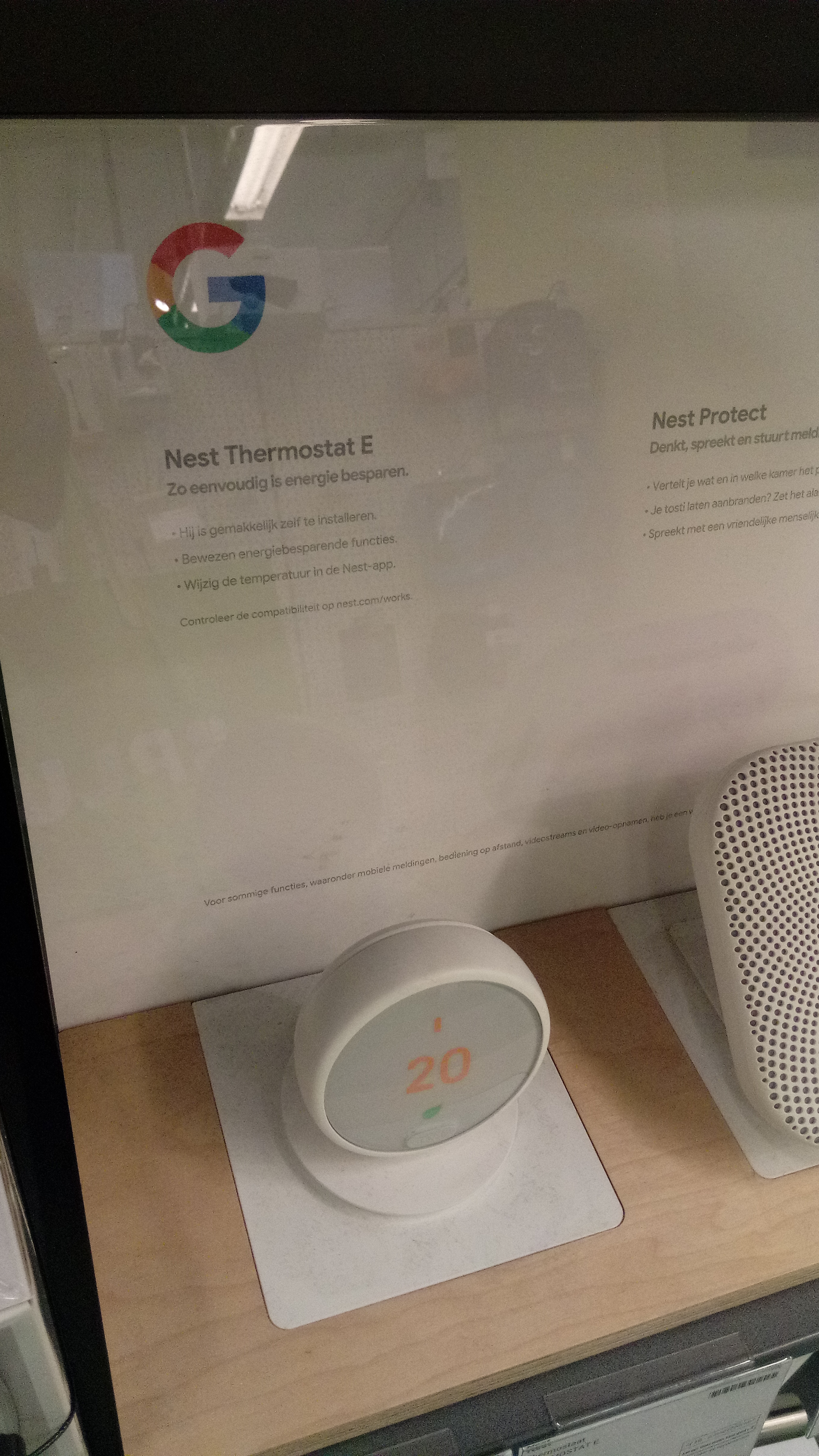
Scheduling and zoning matter more in a climate with a long heating season. How learning thermostats and setbacks behave through a Canadian winter.
Read the heating guideSmart home reference · Canada
Netektor collects practical notes on connected devices for the household: hubs that tie systems together, thermostats built for long heating seasons, lighting that fits shorter winter days, and locks and cameras for everyday entrances. The focus is setup detail rather than marketing.

Where to begin
Connected devices are easiest to understand when grouped by what they do in the home. These three categories cover the questions that come up most often, and each links to a detailed guide.
Scheduling and zoning matter more in a climate with a long heating season. How learning thermostats and setbacks behave through a Canadian winter.
Read the heating guide
Shorter daylight hours change how lighting is used. Where smart bulbs and switches help, and where they quietly add standby draw.
Read the lighting guide
Speakers, displays and dedicated hubs tie devices together. How the common wireless standards relate, and what a hub actually replaces.
Read the hub guideHow devices coordinate
Most household systems describe their work in a small set of recurring steps. Reading a status feed becomes easier once those stages are named consistently, whether the action runs on a hub, a phone app, or a wall panel.
For example, a motion sensor reports a change, a rule matches it against a schedule, the hub reads the current state of a light, adjusts it, and confirms the result. The same sequence repeats across thermostats, locks, and lighting.
A simplified view of an automation rule. Real apps hide this behind menus, but the underlying steps are the same.
Before buying
Contact
Netektor is an independent informational resource. If you spot an error in a guide or want a topic covered, use the form. Provide a way to reach you and a short note describing the question.
General correspondence: editor [at] netektor.org
This form runs in your browser only and does not transmit data to a server.